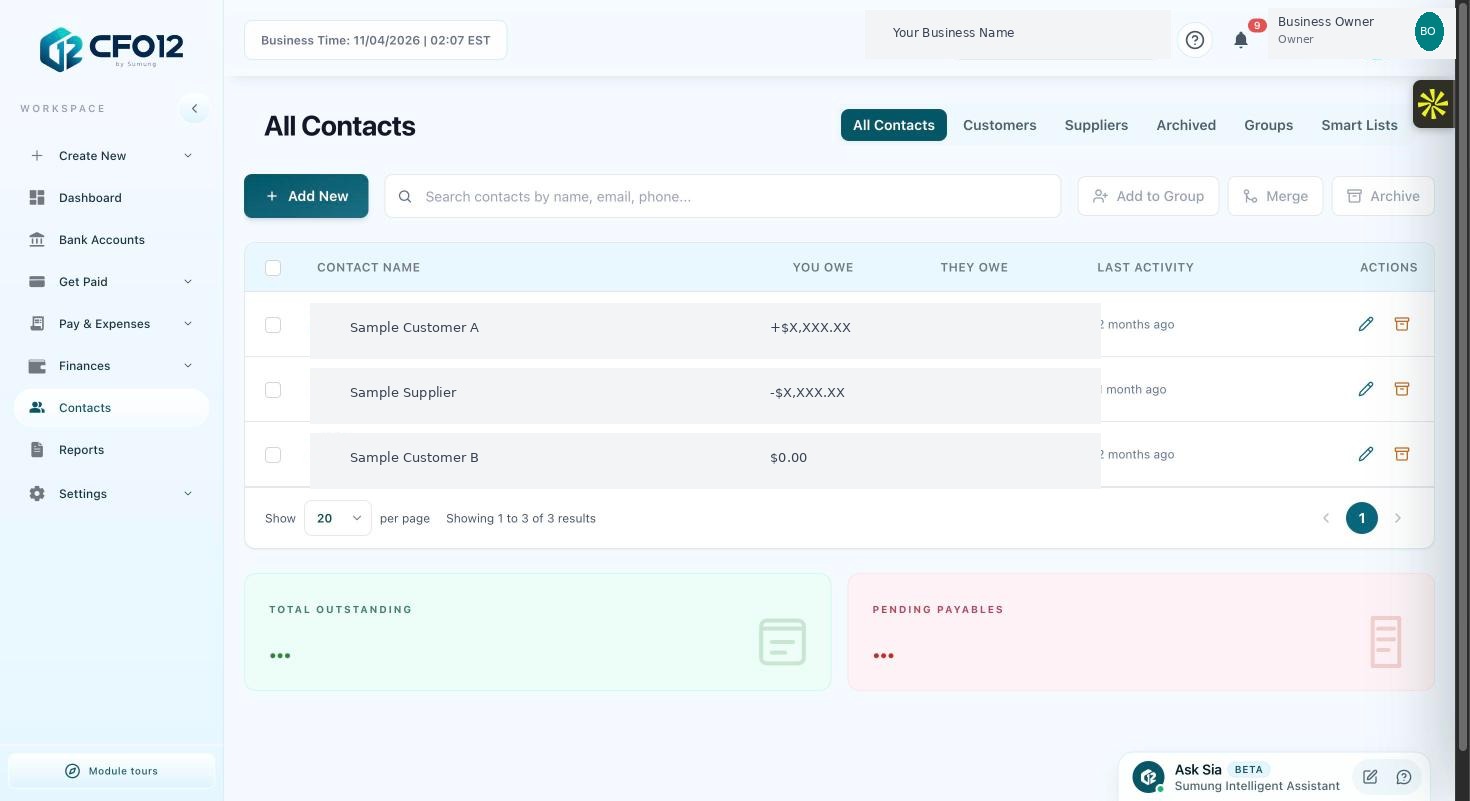
Archived contacts are removed from active selection dropdowns but their history is preserved.
What You Can Do
- Archived contacts move from the active tabs to the Archived tab.
- They no longer appear in invoice customer or bill supplier dropdowns.
- Their transaction history remains intact and visible from the Archived tab.
- They are still included in historical financial reports.
- Unarchive to restore them to active use.
💡 Archiving is preferable to deleting — it preserves the transaction history associated with the contact.
Related Articles
- How to Archive a Contact
- How to Unarchive a Contact
- Overview of Contacts
Was this article helpful?
Your feedback helps us improve our documentation.