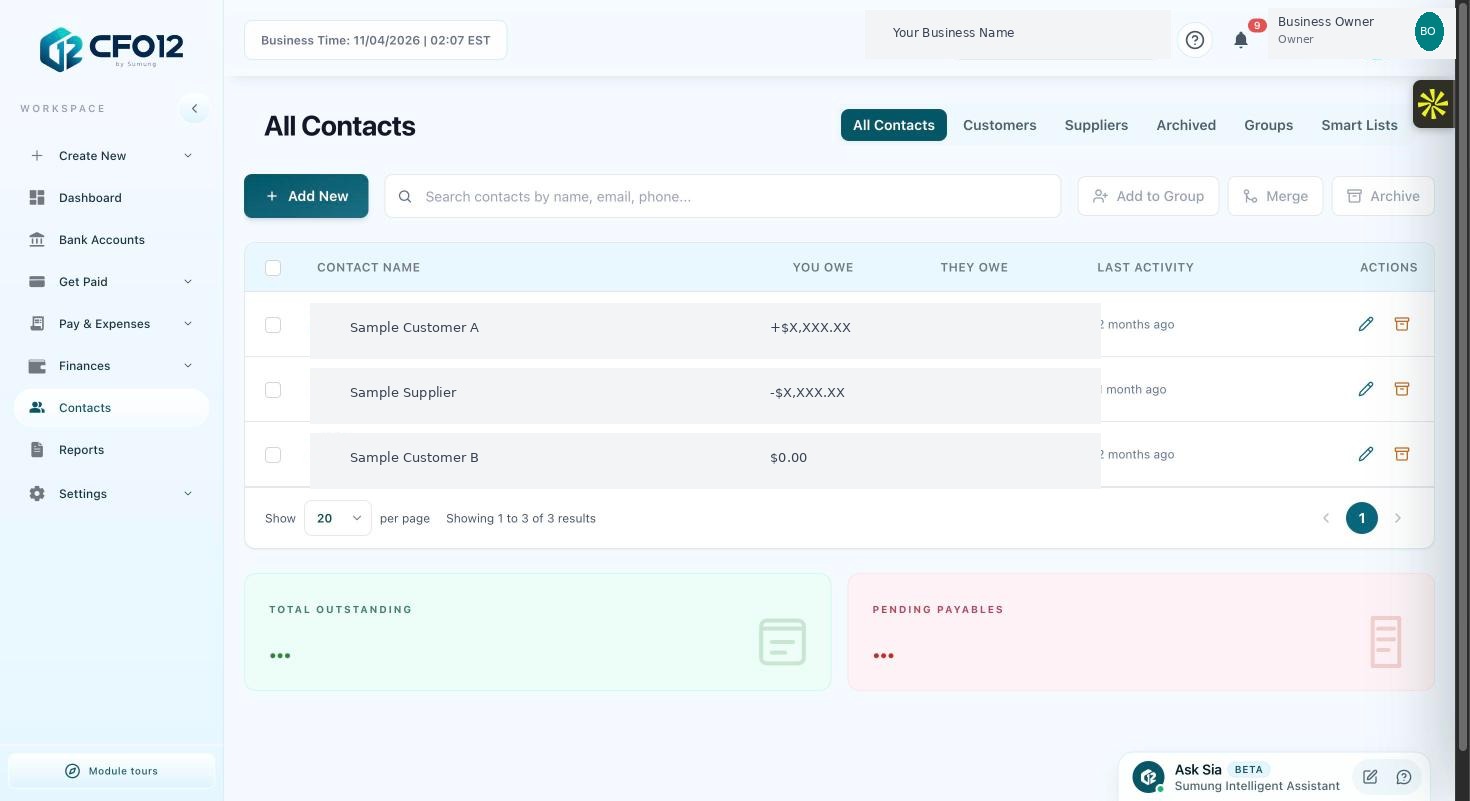
Get a count of your total contacts from the Contacts page tabs.
What You Can Do
- Go to Contacts.
- The All tab shows a count of all contacts.
- Click Customers to see the count of customer contacts.
- Click Suppliers for the supplier count.
- These counts update as you add, archive, or merge contacts.
💡 Monitoring your contact count helps you track business growth and manage data quality.
Related Articles
- How to View All Contacts
- How to Add a New Contact
- Overview of Contacts
Was this article helpful?
Your feedback helps us improve our documentation.