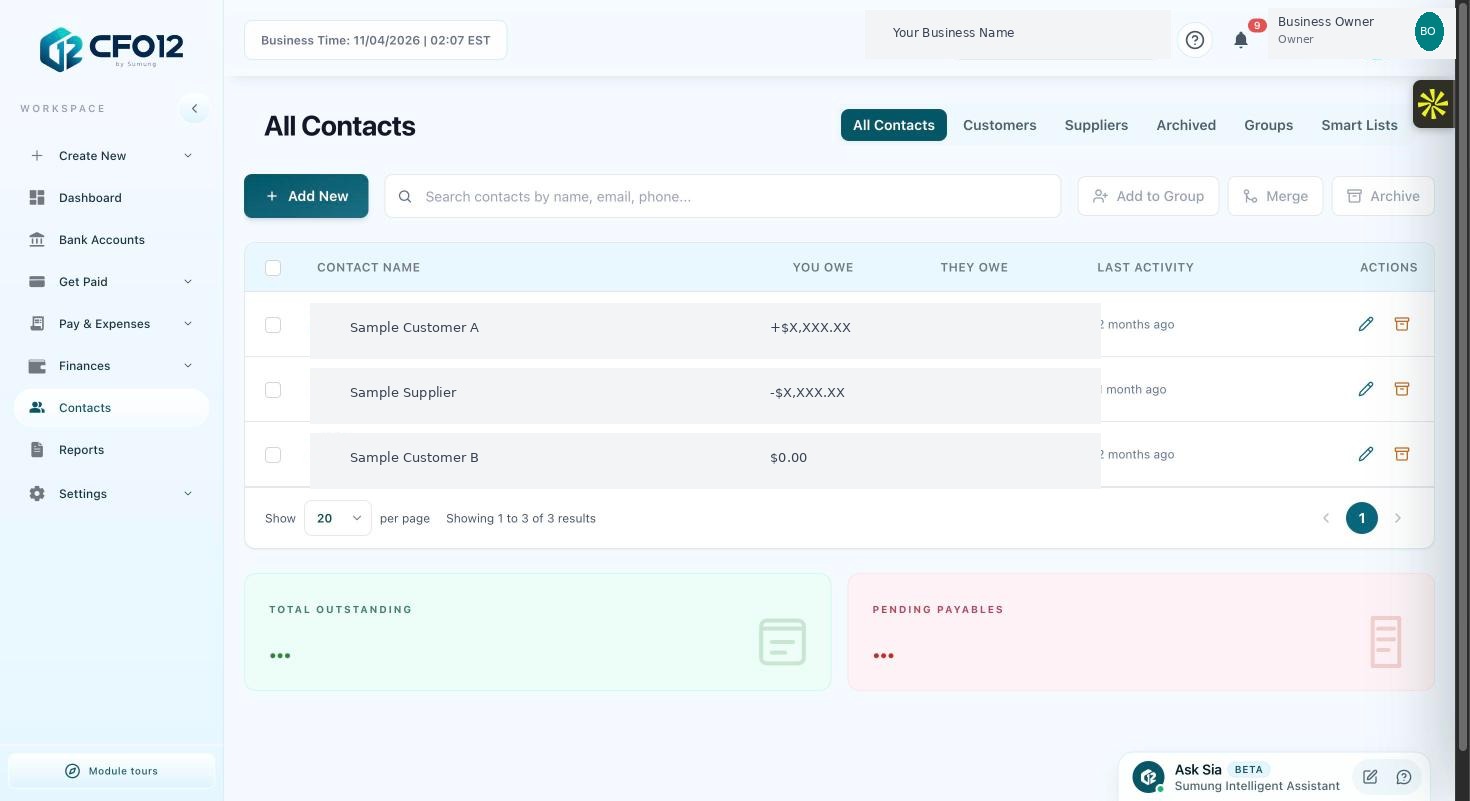
The Suppliers tab shows all contacts designated as suppliers.
What You Can Do
- Go to Contacts.
- Click the Suppliers tab.
- Browse the supplier list.
- Click a supplier to view their details and transaction history.
- These contacts are shared with Pay & Expenses > Suppliers — they are the same records.
💡 Suppliers in this tab are the same records as in Pay & Expenses > Suppliers — they are shared.
Related Articles
Was this article helpful?
Your feedback helps us improve our documentation.