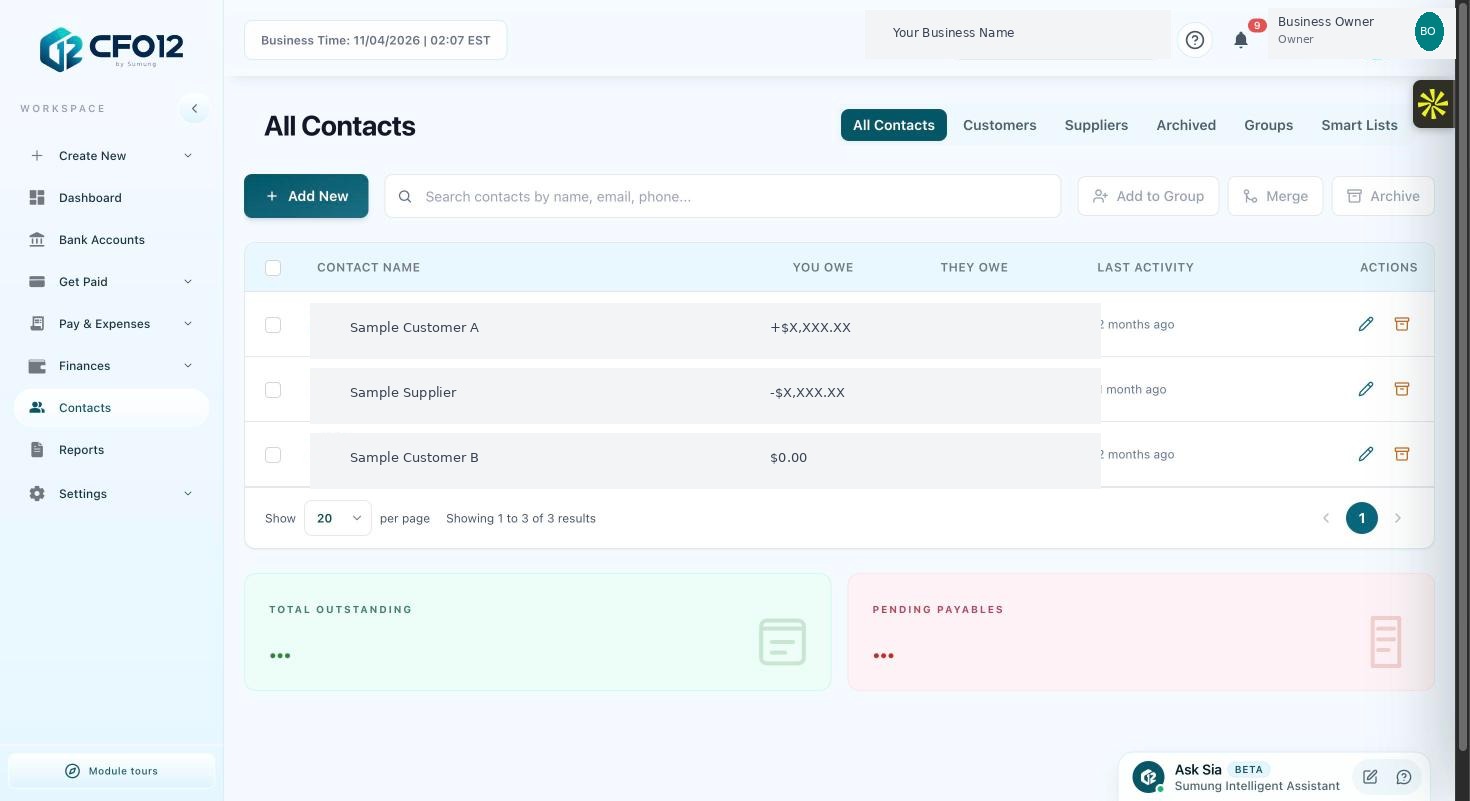
CFO12 Contacts provides basic CRM functionality to track your customer base.
What You Can Do
- Keep all customer contacts in CFO12 with accurate details.
- Review transaction histories to understand each customer's purchase patterns.
- Use the Income by Customer report for revenue analysis by customer.
- Use Aged Receivables to track outstanding customer balances.
💡 While CFO12 provides basic CRM features, dedicated CRM software may be better for complex customer management.
Related Articles
- How to View a Contact's Transaction History
- How to View the Income by Customer Report
- Overview of Contacts
Was this article helpful?
Your feedback helps us improve our documentation.