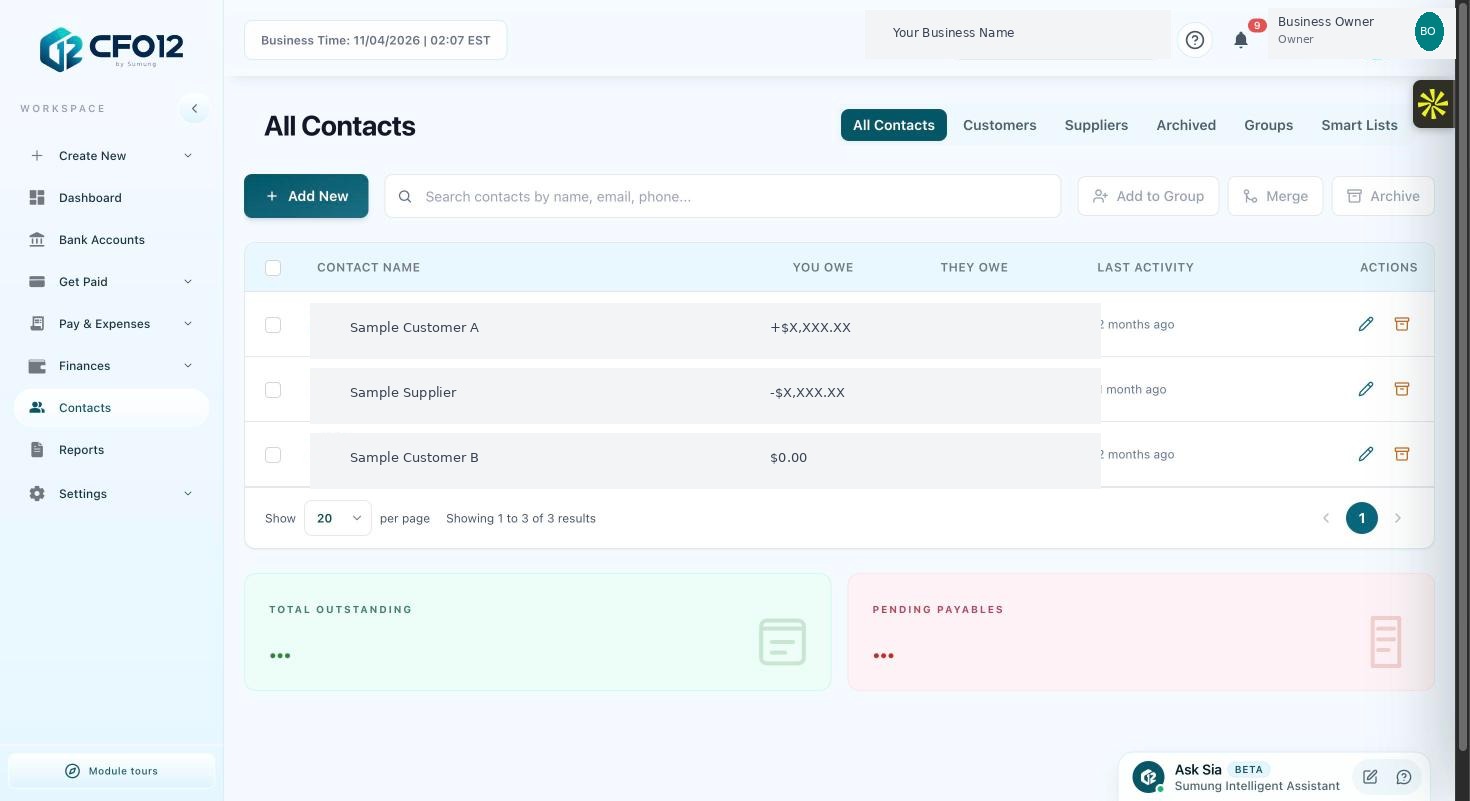
Open a contact record to see their current outstanding balance and transaction history.
What You Can Do
- Go to Contacts and open the customer or supplier.
- Review their transaction history for any unpaid invoices (customers) or unpaid bills (suppliers).
- For a summary of outstanding customer balances, use Reports > Aged Receivables.
- For outstanding supplier balances, use Reports > Aged Payables.
💡 Combining contact records with aged reports gives you the most complete picture of outstanding balances.
Related Articles
- How to View the Aged Receivables Report
- How to View the Aged Payables Report
- How to View a Contact's Transaction History
Was this article helpful?
Your feedback helps us improve our documentation.