A contact can be a Customer, Supplier, or both. The contact type determines where they appear in CFO12.
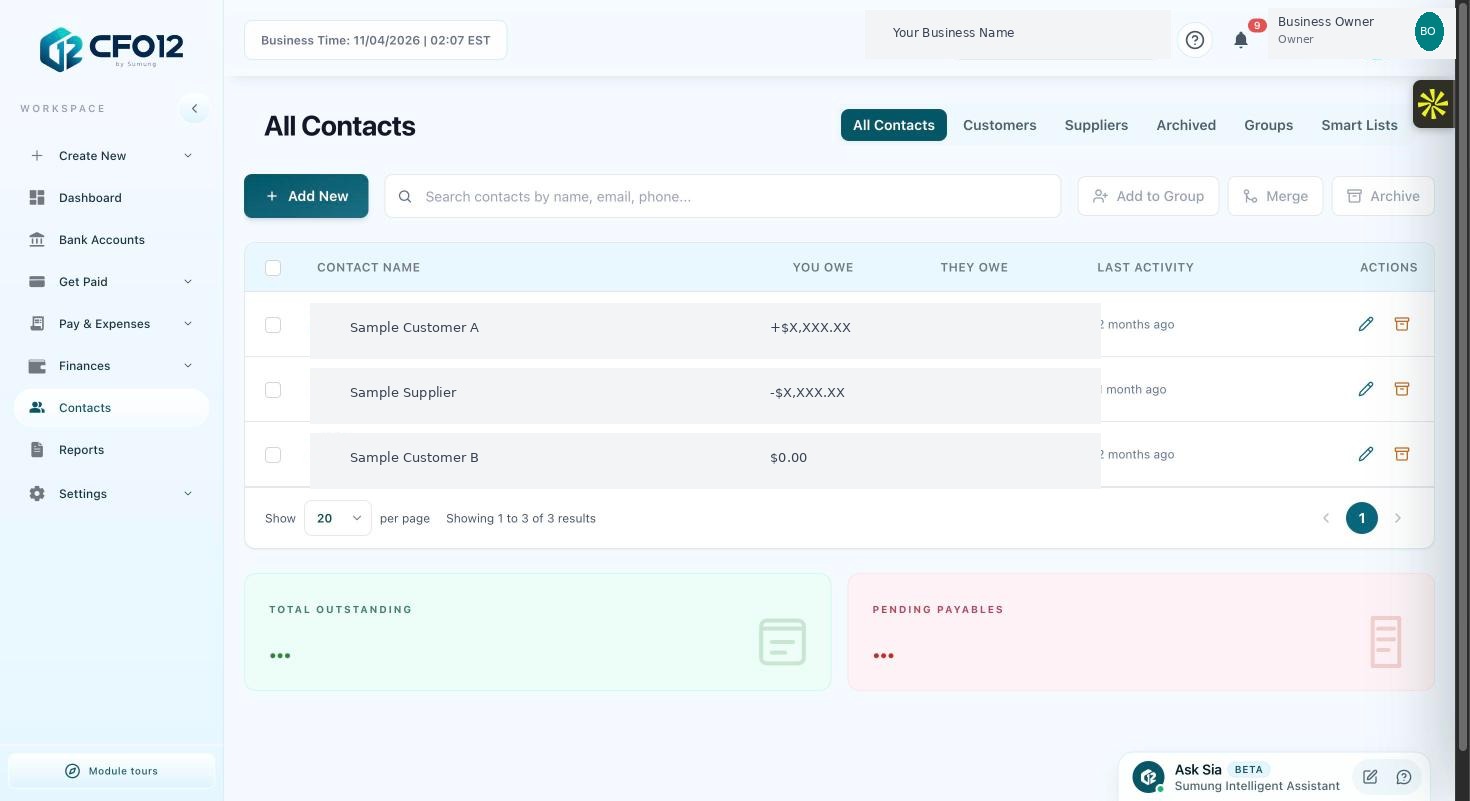
What You Can Do
Go to Contacts and open the contact.
Click Edit.
Review the Type field and set it to Customer, Supplier, or both as appropriate.
Save the contact.
The contact now appears in the correct tab(s) and reports.
💡 Setting the correct contact type ensures the contact appears in the right invoice and bill dropdowns.
Related Articles
Was this article helpful?
Your feedback helps us improve our documentation.