Use aged reports to identify customers or suppliers with outstanding balances.
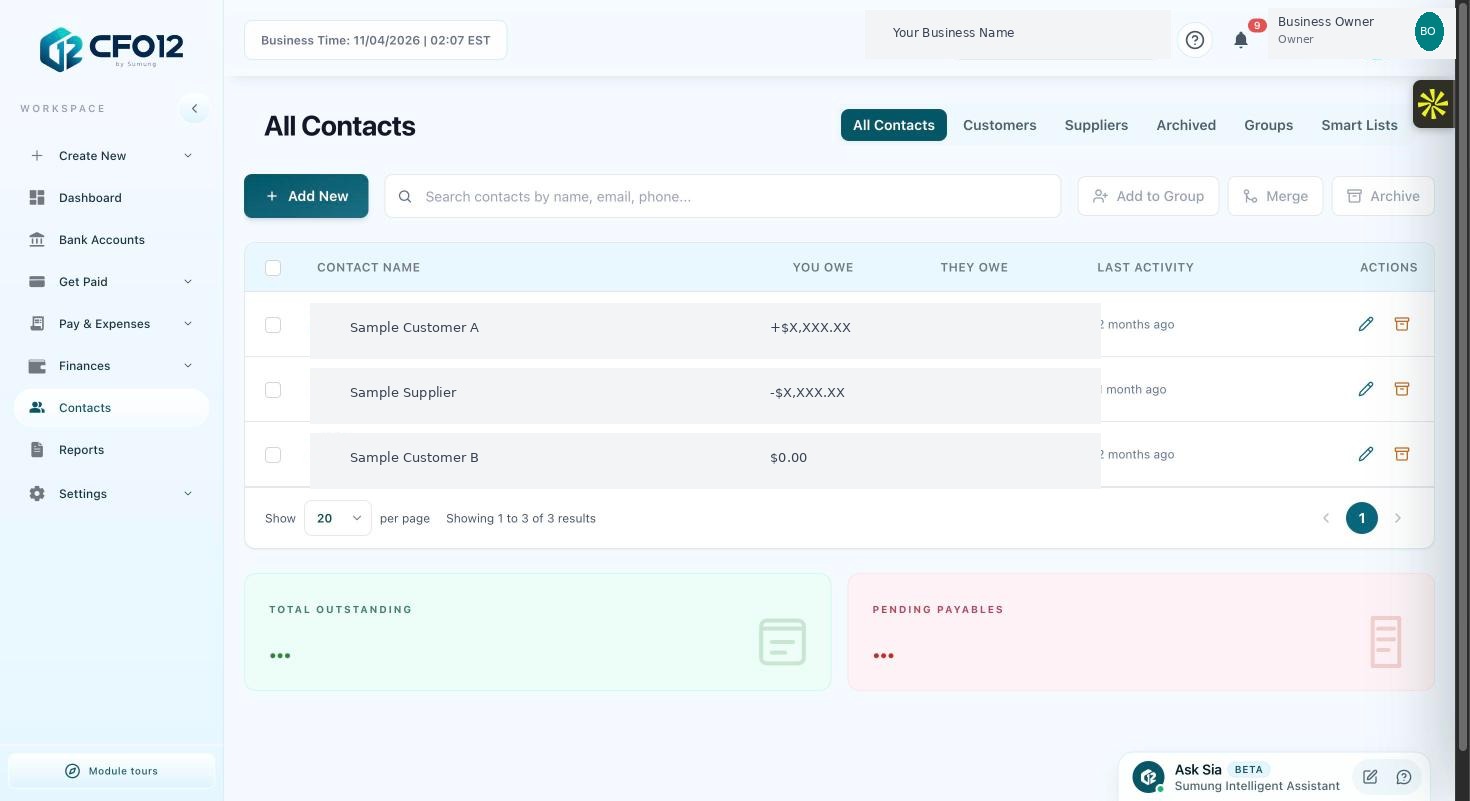
What You Can Do
Go to Reports.
Open Aged Receivables to see customers with unpaid invoices.
Open Aged Payables to see suppliers with unpaid bills.
Click a contact name in a report to open their contact record.
Review their transaction history for details.
💡 Aged reports are the fastest way to identify contacts with balances that need attention.
Related Articles
- How to View the Aged Receivables Report
- How to View the Aged Payables Report
- How to View a Contact's Transaction History
Was this article helpful?
Your feedback helps us improve our documentation.