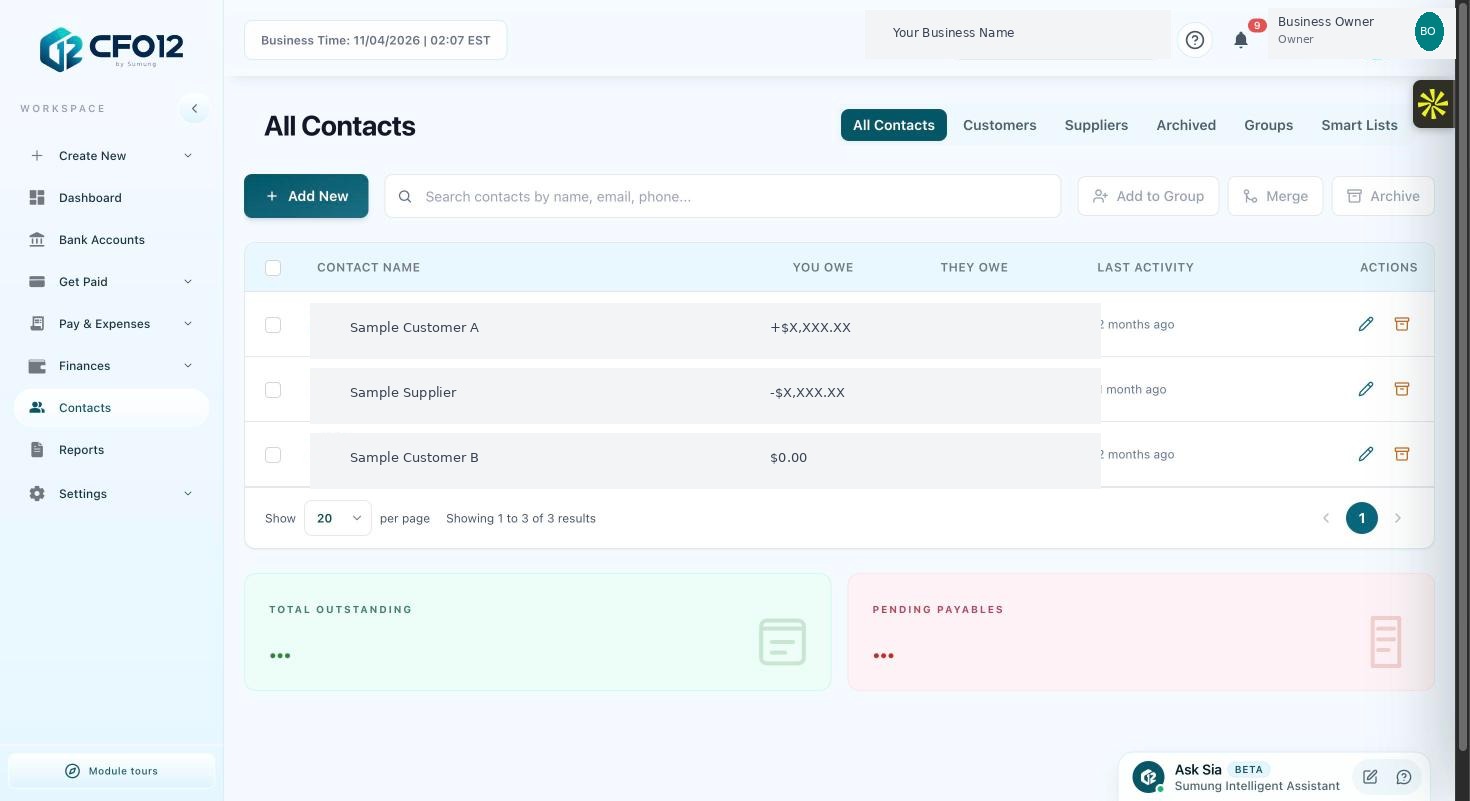
Export your contact list for use in external tools, marketing, or backup purposes.
What You Can Do
- Go to Contacts.
- Look for the Export option on the Contacts page.
- Download the contact data as a file.
- Open in a spreadsheet to review or use in another system.
💡 Exporting contacts periodically creates a backup of your contact database.
Related Articles
- How to Add a New Contact
- How to View All Contacts
- Overview of Contacts
Was this article helpful?
Your feedback helps us improve our documentation.