Contact types determine whether a contact is a customer, supplier, or both.
What You Can Do
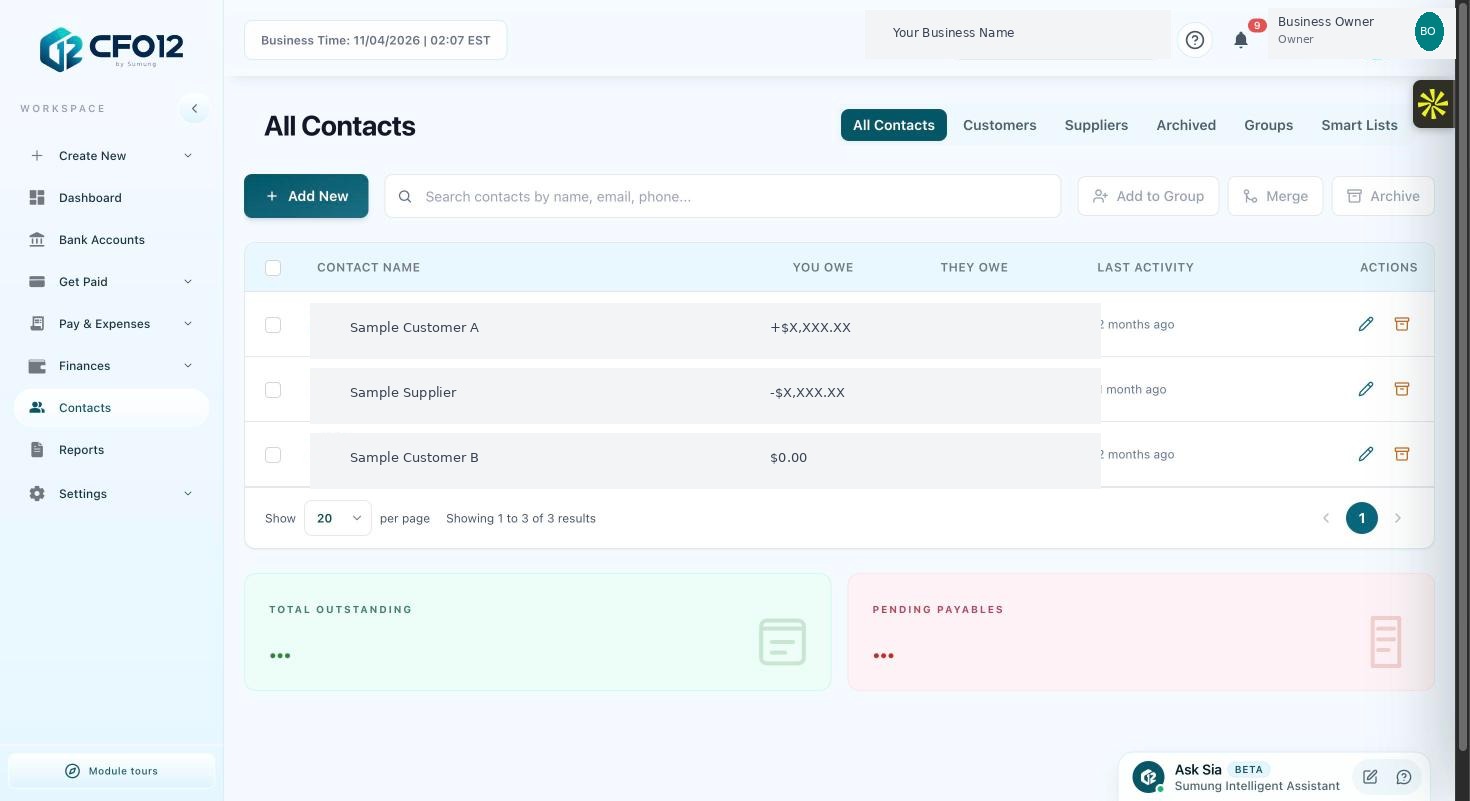
- In Contacts, the Type field on each contact shows Customer, Supplier, or both.
- Click the Customers tab to see only customer contacts.
- Click the Suppliers tab to see only supplier contacts.
- A contact can be both a Customer and Supplier if applicable.
- Edit the contact to change their type at any time.
💡 Setting the correct contact type ensures they appear in the right reports and dropdowns.
Related Articles
Was this article helpful?
Your feedback helps us improve our documentation.