Adding an email address to a contact enables invoice delivery and other communications.
What You Can Do
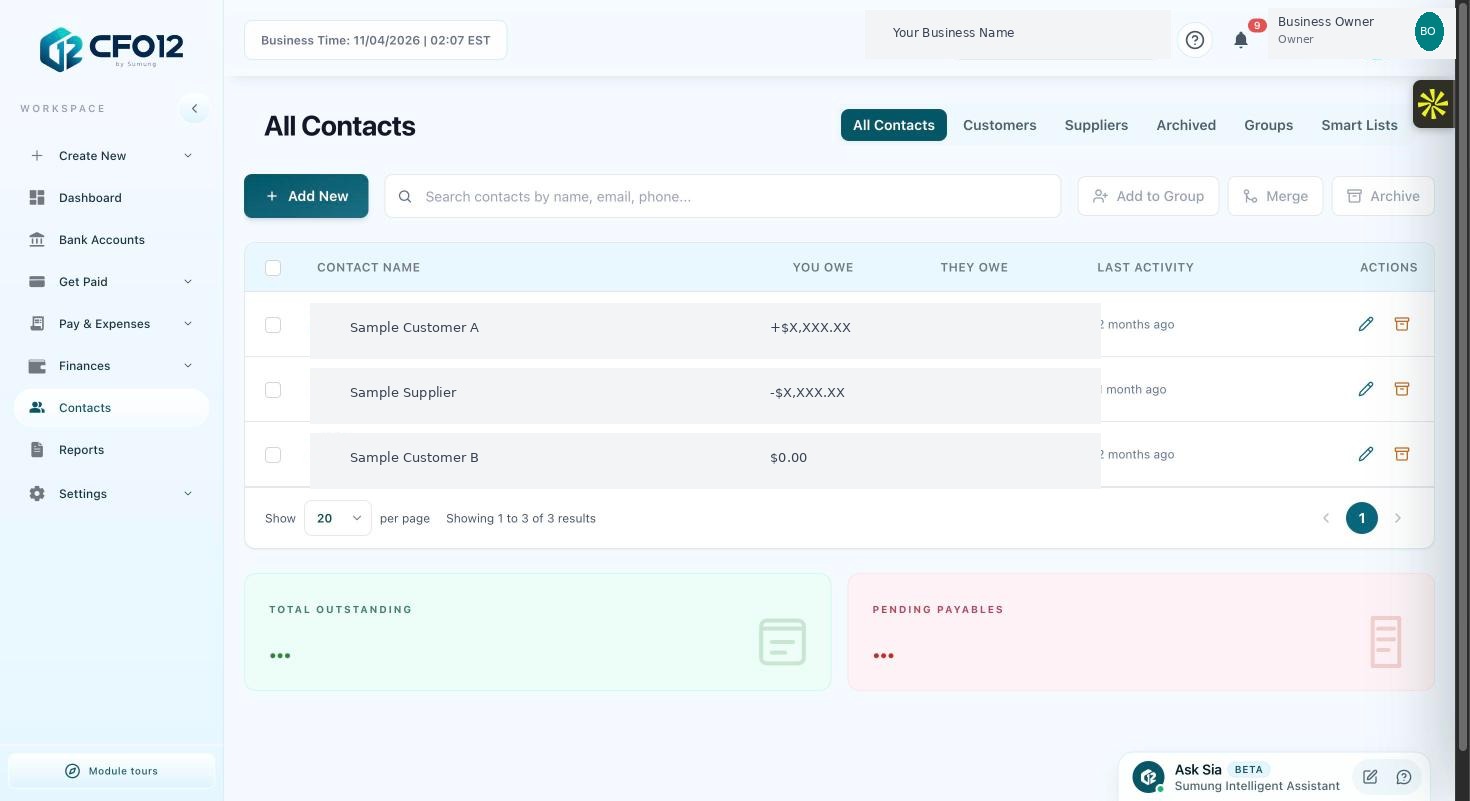
- Go to Contacts and open the contact.
- Click Edit.
- Enter the email address in the email field.
- Save the contact.
- The email is used for invoice delivery and other communications.
💡 An accurate email address is required to send invoices and other communications from CFO12.
Related Articles
- How to Edit a Contact
- How to Add a New Contact
- Overview of Contacts
Was this article helpful?
Your feedback helps us improve our documentation.