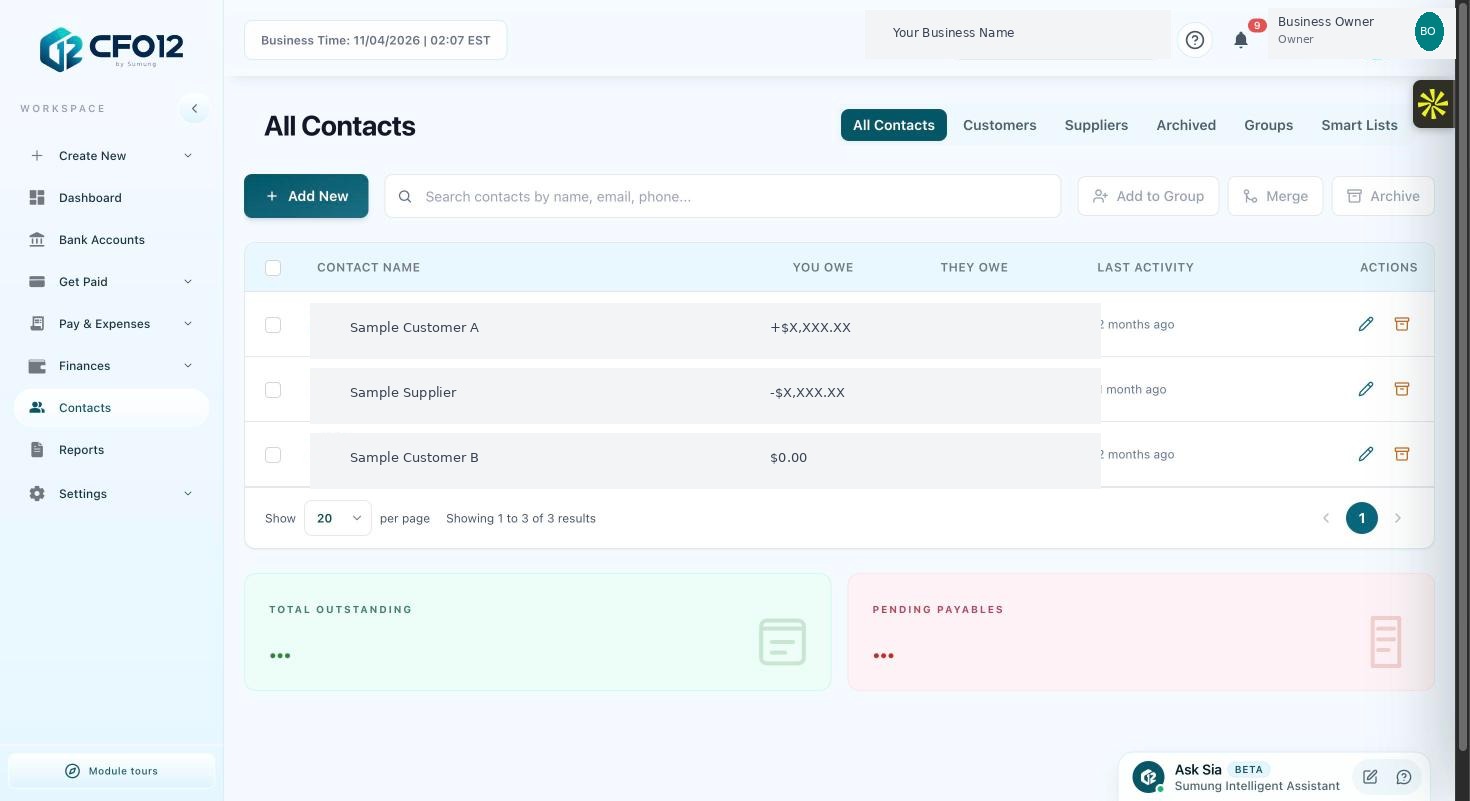
Contacts is accessible directly from the main left sidebar in CFO12.
What You Can Do
- In the left sidebar, click Contacts.
- The Contacts page opens with tabs: All, Customers, Suppliers, and Archived.
- Use the tabs to navigate to the right contact type.
- Click Add New to add a contact.
💡 Contacts is a central hub — it links to customer and supplier records used throughout CFO12.
Related Articles
- How to Add a New Contact
- Overview of Contacts
- How to View All Contacts
Was this article helpful?
Your feedback helps us improve our documentation.